


Blocking numbers on an iPhone helps protect you from spam calls, telemarketers, and unwanted messages. However, many users later forget which contacts they blocked and want to review or unblock them. If you’re wondering how to see blocked numbers on an iPhone, this guide explains every method in a clear and simple way, covering calls, messages, and FaceTime.
Understanding How Blocking Works on iPhone
When you block a number on an iPhone, it is blocked across multiple apps. This includes Phone calls, Messages, and FaceTime. Blocked callers cannot reach you through calls, texts, or video calls. However, the blocked number still exists in your system and can be reviewed or removed anytime through iPhone settings.
How to See Blocked Numbers on iPhone Using Settings?
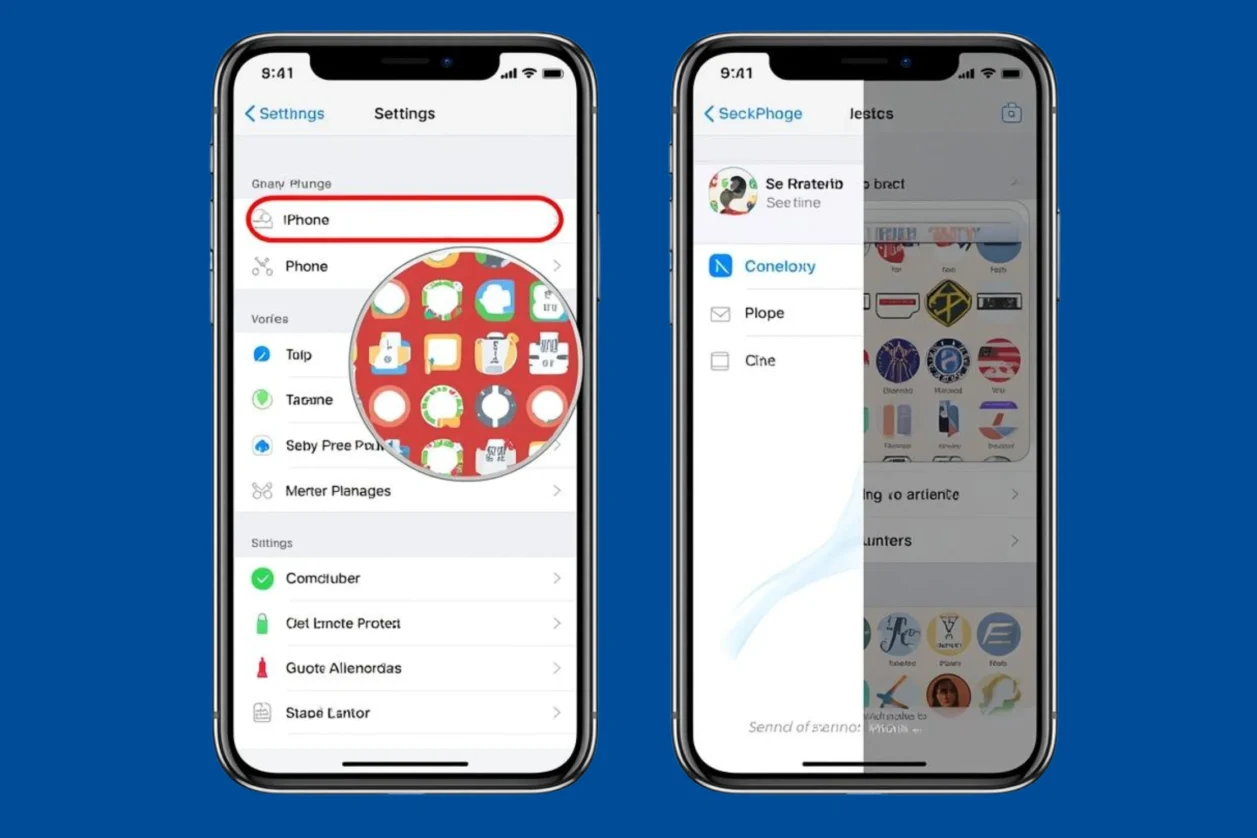
The easiest way to see blocked numbers on an iPhone is through the Settings app. Open Settings, scroll down, and tap Phone. Inside the Phone settings, select Blocked Contacts. Here, you will see a full list of all phone numbers and contacts you have blocked. This list includes saved contacts and unsaved numbers alike, making it the most reliable place to check.
How to See Blocked Numbers in Messages App?
Blocked numbers also apply to text messages. To view blocked numbers related to messages, go to Settings > Messages > Blocked Contacts. This section shows the same blocked list, but it is useful if you originally blocked someone through a text conversation. You can tap any number here to unblock it if needed.
How to See Blocked Numbers in FaceTime?
If you blocked someone through FaceTime, you can view them separately. Open Settings, tap FaceTime, and then tap Blocked Contacts. You will see a list of blocked FaceTime contacts. This is especially helpful if you frequently use FaceTime and want to manage video call restrictions.
How to Check Blocked Numbers Directly From Contacts?
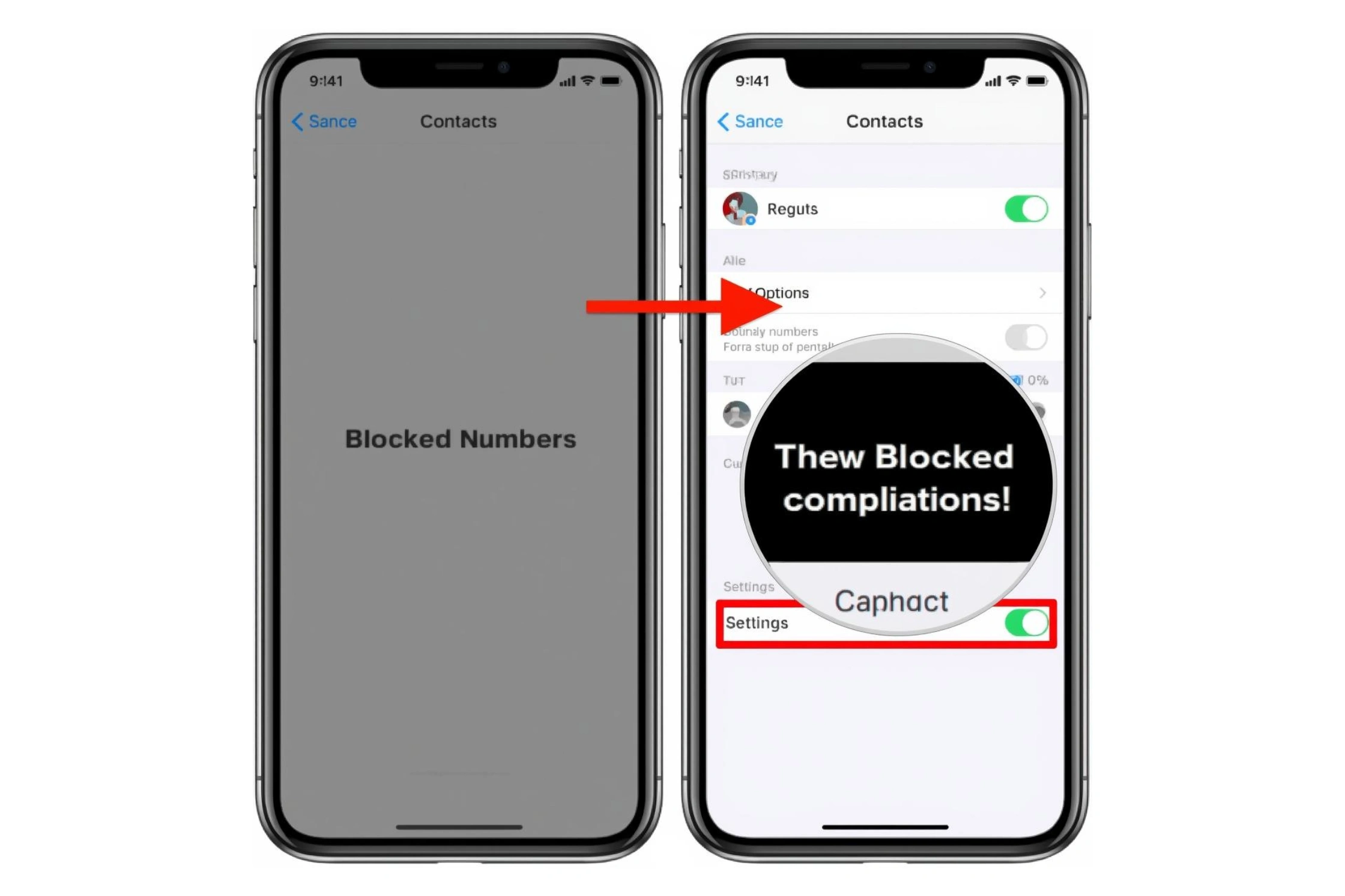

Another way to identify blocked contacts is through the Contacts app. Open Contacts, search for the person you think you blocked, and open their contact card. Scroll down, and if the number is blocked, you will see the option Unblock this Caller. This method works best if the blocked number is saved as a contact.
How to Unblock a Number After Viewing It?
Once you see the blocked numbers list, unblocking is easy. Simply tap Edit in the top-right corner, then tap the red minus icon next to the number you want to unblock. Confirm the action, and the number will be able to call, message, and FaceTime you again.
Can You See Missed Calls From Blocked Numbers?
No, the iPhone does not show missed calls or notifications from blocked numbers. Blocked calls are automatically silenced and hidden. However, some carriers may still show blocked calls in call logs or voicemail sections depending on network settings.
What Happens to Messages From Blocked Numbers?
Messages sent by blocked numbers are never delivered to your inbox. You won’t receive notifications, and they are not stored anywhere on your device. This makes blocking effective but also means you cannot retrieve old blocked messages.
Common Reasons People Want to See Blocked Numbers
Many users want to review blocked numbers to unblock friends, family members, or important contacts blocked accidentally. Others check blocked lists to confirm whether spam callers were successfully blocked. Reviewing blocked numbers also helps clean up outdated or unnecessary restrictions.
Why You Might Not See a Blocked Number
If you don’t see a blocked number, it could be blocked through a carrier-level spam filter instead of iPhone settings. In some cases, the number may be blocked through third-party apps rather than iOS itself. Always check both iPhone settings and carrier apps.
Managing Blocked Numbers More Efficiently
To stay organized, regularly review your blocked list. Remove numbers you no longer need blocked and keep spam numbers restricted. This ensures important calls don’t get missed accidentally and your communication remains smooth.
Privacy and Security Benefits of Blocking Numbers
Blocking unwanted numbers protects your privacy, reduces stress, and helps prevent scams. iPhone’s blocking system is secure and ensures blocked callers cannot contact you across Apple communication apps.
Conclusion
Knowing how to unblock contact iPhone gives you full control over your calls and messages. Whether you blocked someone intentionally or by mistake, the iPhone makes it easy to review, manage, and unblock numbers anytime. Regularly checking your blocked list helps maintain better communication and peace of mind.